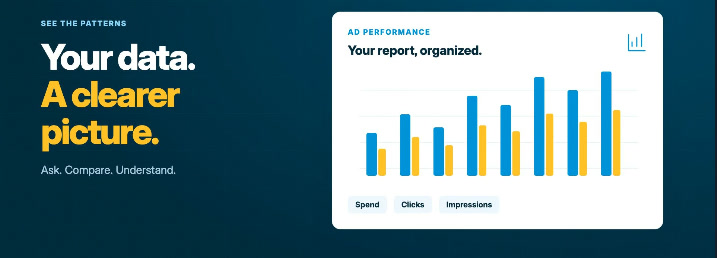
Ad performance
Ask questions about your ads.
Understand how your ads are performing, and turn your data into reports.
StreetText MCP
Connect to Claude, ChatGPT, or another AI tool. Then ask your AI assistant for your leads, ads, drafts, landing pages and conversations, right in your own account.
Try asking
Plain words, in the chat you already use.
What are my latest leads?
Your 3 latest leads: Laura Bishop in Ottawa (today), John Jones in Boston (yesterday) and Amy Smith in Calgary (Monday). Want the details on any of them?
Ad performance
Understand how your ads are performing, and turn your data into reports.
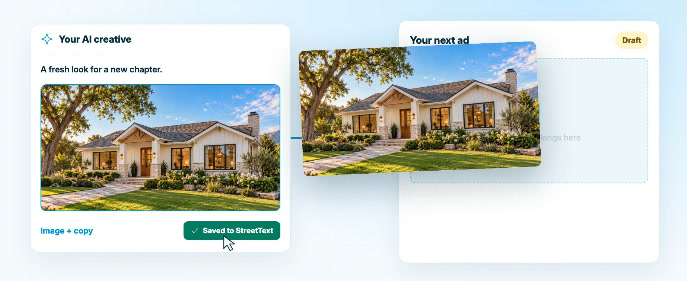
AI creative
Take the images and copy you’re creating with AI, bring them into StreetText, and build your next ad draft.
And more
Create your own landing pages for your ads, with StreetText forms built in. Your design, your message, your leads, flowing straight into StreetText.
Uncover what you know about a homeowner before you reach out.
Add notes and update contact details without leaving the chat.
How it works
In Claude, ChatGPT or another AI tool, add a custom connector and paste the StreetText server address.
Sign in with your usual StreetText login and approve access. No keys to copy, and it stays connected.
Turn StreetText on in a chat and ask, like “What are my latest leads?”
© 2026 StreetText® All Rights Reserved.
Start generating leads tomorrow

Darryl Reuter
"Thanks to this program, I've closed 3 deals from StreetText, with 3 more pending. I'm very excited about it."